
A CRM that understands service relationships.
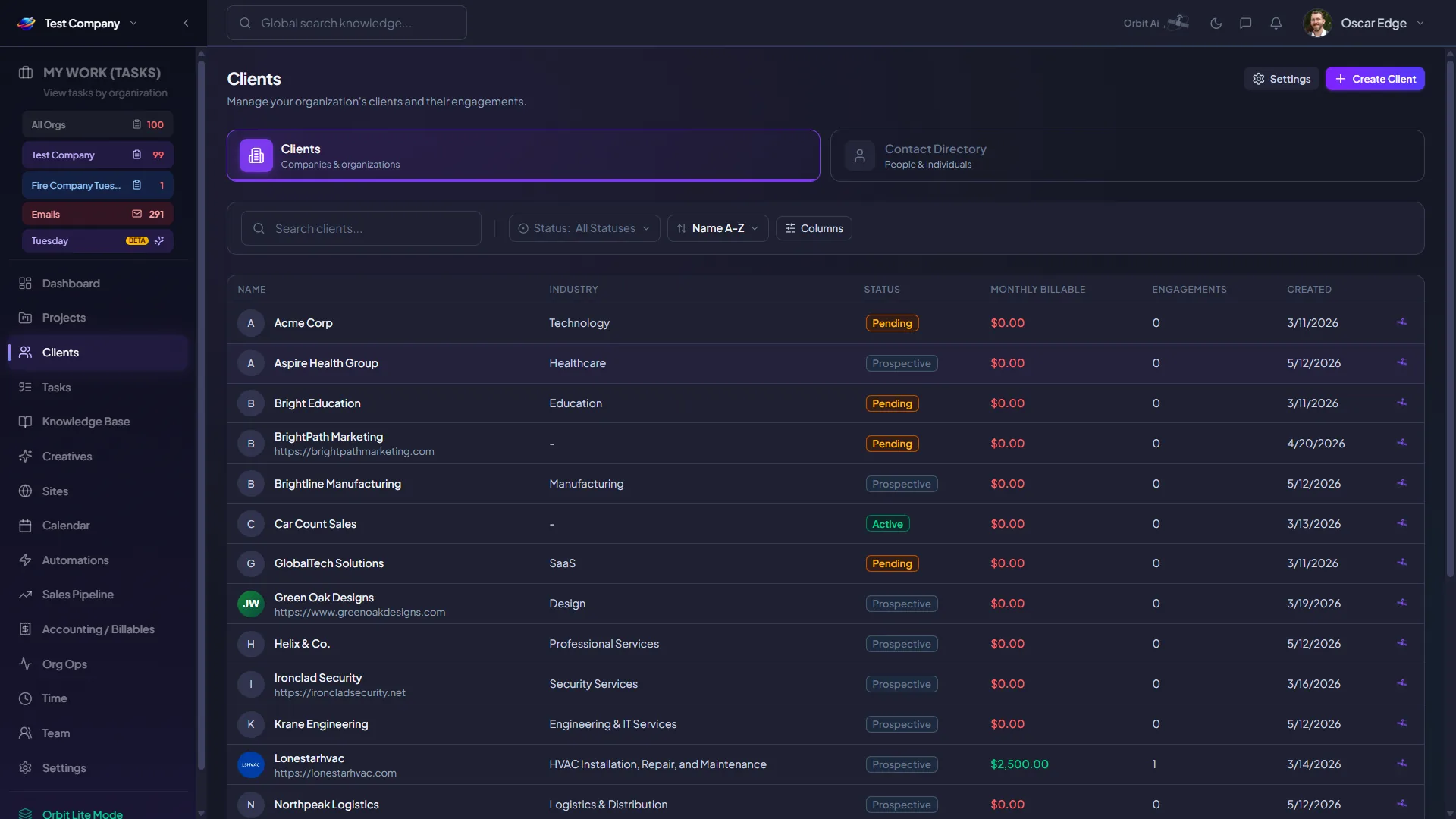
Company and contact records that hold the full picture of how you serve a client — address, billing status, team assignments, open projects, invoices, satisfaction scores, and social — all in one record.

Who it's for
- Account managers running multi-stakeholder client relationships
- MSP owners who want one record per client
- Service teams onboarding new clients with full history
- Sales reps selling into existing accounts
The problem it solves
Generic CRMs treat IT companies like every other B2B business. Contacts live in one tool, tickets in another, billing in a third. New techs starting on an account begin cold because the relationship history isn't anywhere they can read it.
The flow, end to end
Unified client record
Every company holds contacts, projects, invoices, tickets, agreements, and notes — one record per relationship.
Auto contact capture
When a new contact emails in, Orbit parses their details and prompts you to add them to the right account — no manual entry.
Service relationship view
See engagements, satisfaction scores, social links, and the full delivery history alongside the contact record.
What teams actually get
The specific outcomes service teams see when they put CRM to work.
- One source of truth per client across sales, delivery, and billing
- Zero manual entry for inbound contacts
- Fast ramp for new account managers and techs
- Sales conversations grounded in real service history
A typical run-through
- 1.Prospect emails support@yourdomain.
- 2.Orbit parses the contact and asks: attach to existing client?
- 3.Match accepted — the contact lands on the right account.
- 4.Every future ticket from that contact threads to the same record.
Map this module to your workflow
Get a guided walkthrough of CRM & Contact Capture tailored to your team, your client mix, and the tools you're replacing.
Pick a 15-min slot · No commitment required